
If you get this message when trying to install the Accounting Connector, do the following.
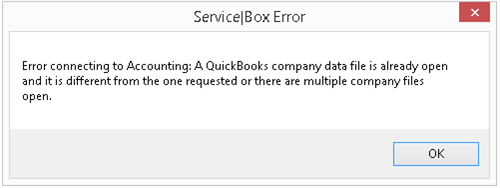
This usually happens because QuickBooks is already open, but there is a different company file open than the one the connector is trying to use.
To fix this, just open the file that the connector is trying to open and try the sync again.
If this doesn't work, follow these steps;
-
Close QuickBooks
-
Open the task manager and end tasks on all qbw.exe items.
-
Reopen QuickBooks by right-clicking on the icon and running it as an administrator.
-
Open the Setup in the accounting connector and click the detect button in the QuickBooks portion.
Need Help?
If you have any questions or need support, please click the Help button in your ServiceBox account or email us at support@getservicebox.com.