
There is a workaround in the system to manually assign a purchase order to the correct Work Order. Please follow these steps:
-
Delete the purchase order record from the original (incorrect) Work Order.
-
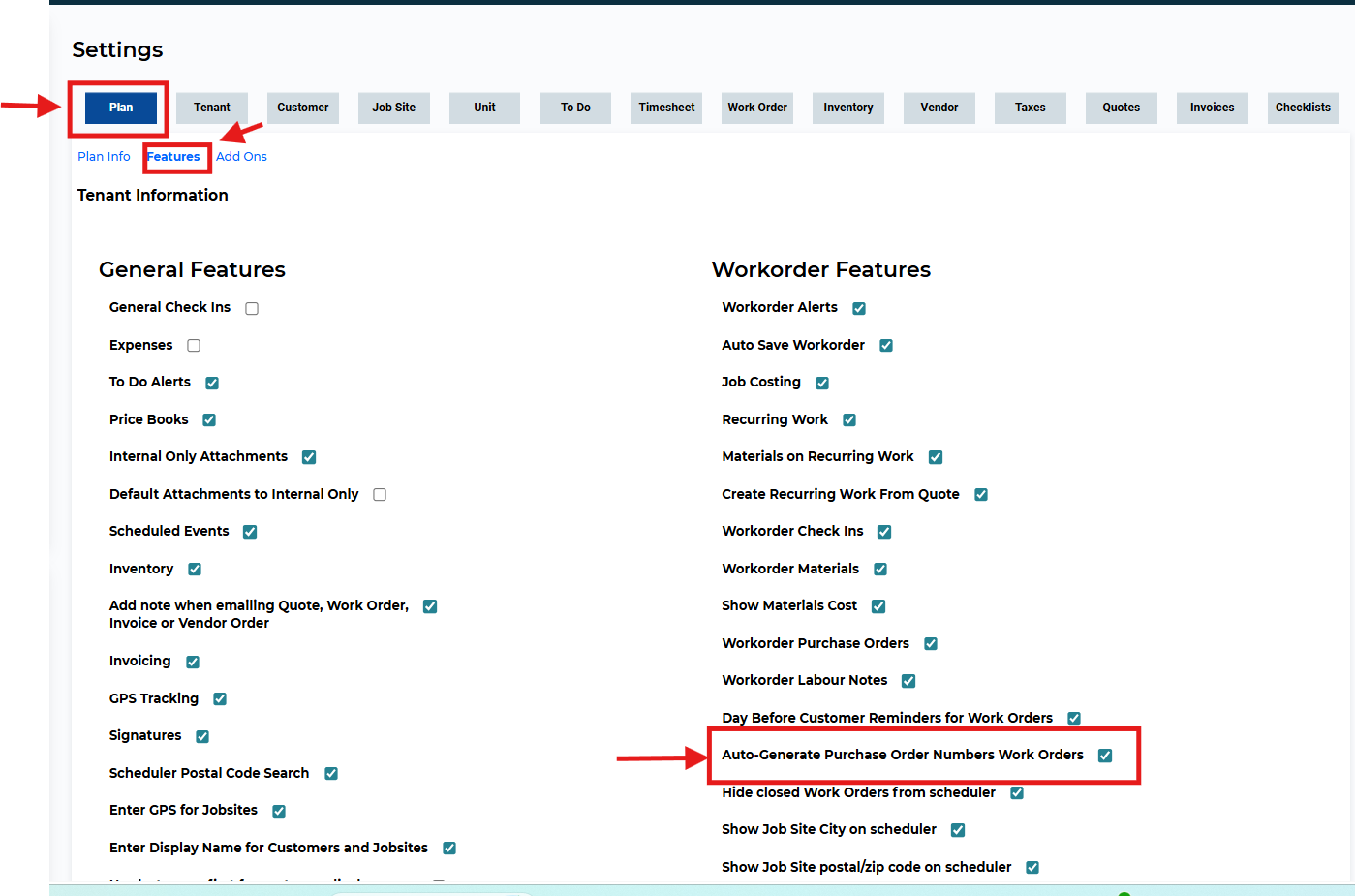
Turn off the 'Auto-Generate Purchase Order Numbers on Work Orders' feature temporarily.
Go to Settings > Work Order > Features to disable this setting.
-
Add the purchase order record to the correct Work Order, manually entering the appropriate PO number.
-
Turn the auto-generate feature back on once the purchase order has been added successfully.
Need Help?
If you have any questions or need support, please click the Help button in your ServiceBox account or email us at support@getservicebox.com.